For more than 24 hours, businesses were practically held hostage by technology they didn't own, couldn't control, and apparently couldn't function without. But the part that really got me was closer to home: the email system I had to fix never needed Microsoft in the first place.
The Email Was Working. Outlook Wasn't.
My wife Emily sat down at her computer, ready to work. She opened Outlook, and nothing happened. No email coming in. Nothing going out.
Emily doesn't want to learn another email program. She wants to open Outlook and do her job. Suddenly, she couldn't.
Her email wasn't even hosted by Microsoft. It was sitting on my sister's web hosting account, perfectly fine. But because of the way Microsoft designed the new Outlook, Emily couldn't get to it.
The new Outlook routes certain third-party email accounts through Microsoft's cloud. Instead of connecting directly to her email server, it put Microsoft in the middle.
Her email was working. Her server was working. The extra dependency was what stopped her.
So I told Emily, “Forget Outlook. We'll build our own.”

When Someone Else's Outage Stops Your Business
On November 12, Microsoft experienced a massive outage that disrupted businesses around the world. It started Thursday around lunchtime and took more than a day to recover.
Email, meetings, and everyday business operations came to a standstill. Businesses could complain, call support, or keep hitting refresh. But they couldn't fix it, because it wasn't theirs to fix.
Think about what that means in a small business. Estimates don't go out. Customers can't reach you. Employees wait for systems to come back online. You're still paying everybody, and your overhead hasn't stopped.
I'm not going to pretend I'm a Microsoft fan. Every computer I own runs Linux. But this isn't just about Microsoft. It could be Google, your CRM, your scheduling software, or your phone system.
The more control you hand over, the less control you have over your own business. Sometimes you don't discover how much you've given away until something breaks.
A Direct Connection Instead of Another Dependency
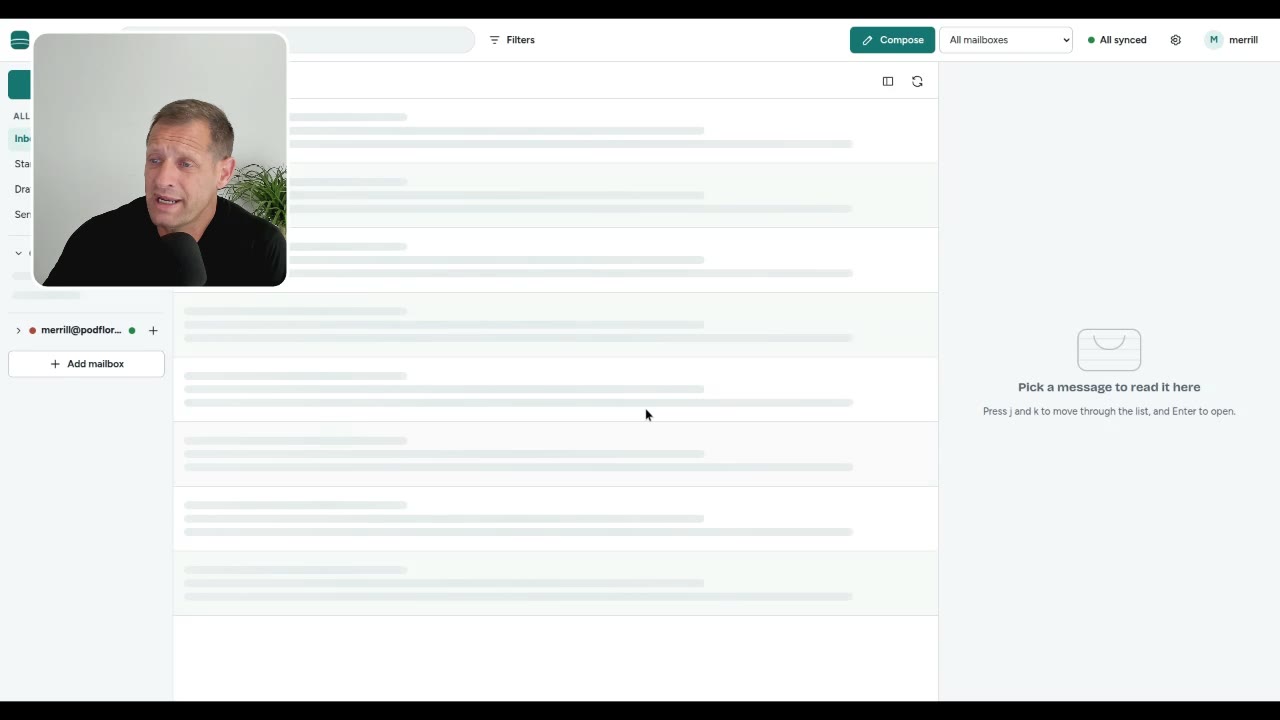
In one day, I built a web-based email application that connects directly to their own mail server. One login. Multiple company email accounts. All in one place.
It runs in a regular web browser on a computer, tablet, or phone. The important part isn't the screen. It's the connection: straight to their email hosting account, without Microsoft's cloud in the middle or a Google dependency.
If Outlook goes down tomorrow, Emily can keep working.
That's the point of looking at business tools you can run yourself. In Emily's case, I didn't need to replace the email hosting. I needed to remove the dependency preventing her from reaching it.
Hosting Can Do More Than Run a Website
A basic web hosting account can cost about $5 to $25 a month. With the right setup, it can do more than host a website.
You can run business tools, automate tasks, generate reports, send reminders, and manage information without subscribing to another expensive platform for every little thing.
AI tools like Claude and ChatGPT have expanded those possibilities. You can give an AI agent secure, limited access to certain systems to help monitor activity, process information, or troubleshoot problems.
Some things that used to require expensive software, specialized developers, or another subscription can sometimes be handled by a relatively simple system you control.
We did something similar for a local pest control company. Instead of making its estimating system dependent on somebody else's cloud, we installed it on a server in its own office.
Their equipment. Their network. Their system. As long as their local infrastructure is running, they can keep estimating jobs regardless of problems at an outside software company's servers.
Ownership Doesn't Eliminate Maintenance
Does owning your own systems eliminate every problem? Of course not.
Servers fail. Power goes out. Hardware breaks. Without proper maintenance, you can create a whole new set of headaches.
The difference is that when something you own breaks, you have the ability to act. You can troubleshoot it, replace a component, restore a backup, or have your own technician fix it.
You're not just waiting for somebody somewhere to get your business back online. With proper security, backups, and maintenance, you can build remarkably dependable systems.

Find the Systems That Leave You Exposed
Take five minutes and write down the software and services your business absolutely depends on: email, CRM, scheduling, estimating, accounting, and whatever else keeps work moving.
Ask two questions about each one:
- If this system went down for 24 hours, how much would it cost me?
- If it went down, could I do anything about it?
If the answers are “a fortune” and “nothing,” you've identified a serious vulnerability.
I'm not suggesting you throw away every cloud service or build servers in your garage. Some software makes perfect sense to rent. Some things are better left to companies that specialize in running them.
But there's a difference between using technology to run your business and allowing technology companies to control whether your business can run. Look at where that distinction matters in your operation.
Technology is supposed to work for your business, not the other way around. Start by finding the dependencies you don't need and deciding what's worth bringing under your control.
Questions people ask
Why couldn't Emily use email if her mail server was working?
The new Outlook routes certain third-party email accounts through Microsoft's cloud. That extra dependency prevented Emily from reaching her working email account during the Microsoft outage.
What did you build to replace Outlook for Emily?
I built a browser-based email application that connects directly to their own mail server. It provides one login for multiple company email accounts and works on a computer, tablet, or phone.
Does owning business software eliminate outages?
No. Servers, power, and hardware can still fail, but ownership gives you the ability to troubleshoot, replace components, restore backups, or have your own technician fix the problem.
How do I find my business's biggest software dependencies?
List the software and services your business depends on, then ask what a 24-hour outage would cost and whether you could do anything about it. Systems that would cost you a fortune while leaving you unable to act are serious vulnerabilities.
Which Software Dependency Is Giving You Headaches?
Talk to ExitSaaS about the systems your business depends on. I'll tell you straight what's worth bringing under your control and what's better left alone.
Book a Free Automation AuditThis article is based on the video Outlook Outage: When Working Email Becomes Unreachable from the ExitSaaS channel.